Image edit

Unchain your GIMP links

(Thursday, September 2nd, 2010)

02_gimp

This month, it’s time for a new round of GIMP links. Of course, the Linux-based photographers are the primary target of this list. But, remember that GIMP is also available as a valuable option for the money-sensitive user of Windows, too.

ACR 6.2 and LR 3.2 love Sony

(Tuesday, August 31st, 2010)

Lightroom v3.2Yes! Adobe loves Sony.

The final releases of DNG Converter 6.2, Adobe Camera Raw 6.2 and Lightroom 3.2 includes RAW file conversion for the Sony Alpha 33, Alpha 55, Alpha 290, Alpha 390, NEX-5 and NEX-3. Those were included in the Release Candidate versions, but they become official/final now.

Of course, other cameras are also taken into account like the all new Canon EOS 60D, the Samsung NX10, the Panasonic Lumix LX5 and the Pentax 645D.

But Sony love is still very visible here.

Download the new Adobe files (updates).

Small programs for big ISO

(Friday, August 20th, 2010)

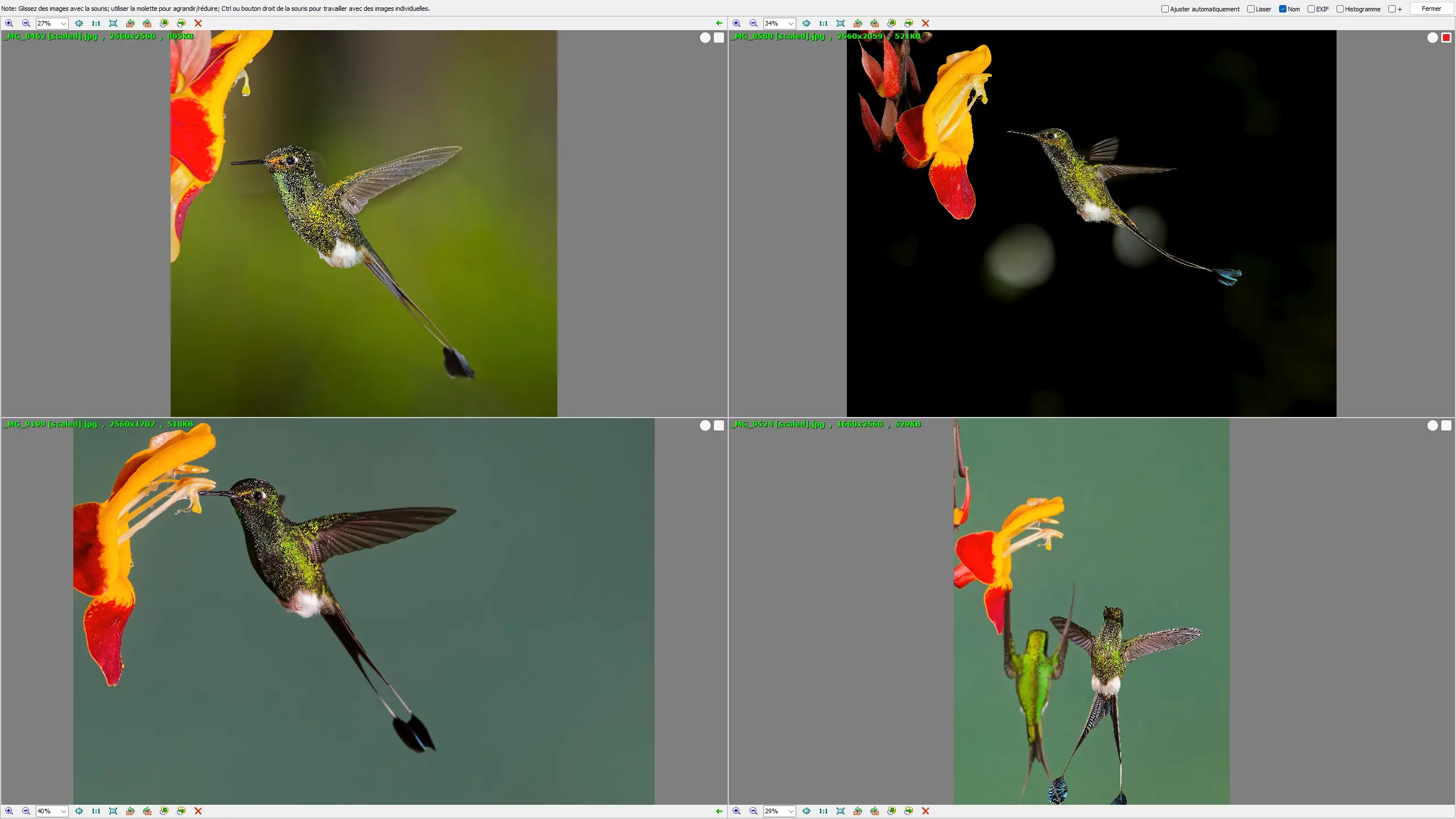
Many French-speaking lovers of the Sony (ex-Minolta) photo cameras know about the excellent web site of Alpha Numérique which is providing a wealth of varied informations (often appearing in the link lists I publish monthly in relation with photo software programs).

Eiffel Tower, by night - Copyright (C) Yves Roumazeilles

Eiffel Tower, by night – Copyright (C) Yves Roumazeilles

Now, I would like to underline the quality of a full series of posts, published by Patrick Moll on Alpha Numérique, and dedicated to comparing as precisely as possible the various offers now on the market to develop and improve as much as possible the pictures that -sometimes- we must shoot using very high levels of ISO sensitivity (with the troubling levels of digital noise that come with big ISO levels).

The list of the software programs taken into account is quite respectable:

  • Image Data Converter 3
  • Lightroom 3 / Camera Raw 6
  • DxO Optics Pro 6
  • Aperture 3
  • Bibble Pro 5
  • Capture One Pro 5
  • ACDSee Pro 3
  • Silkypix 4
  • Lightzone 3
  • Raw Developer 1 (dcraw)

Not bad, eh!

Even if the comparisons done here are not only for Sony photo cameras, Patrick Moll applied its tests to a quite appreciable list of cameras too:

Even if you are not reading French, I highly recommend checking these (most of the posts are made of image comparisons using the yellow buttons to select the software program results you want to see). Even if you are equipped with Pentax, Canon or Nikon gear, the lessons you will draw from this are applicable on all the photo camera brands, concerning strengths and weaknesses of each of these software tools.

To understand the review process and the methodology, I would recommend the reading of (here, all in French):

With the tests, body by body, you will immediately recognize the excellent results of Lightroom 3/Camera Raw 6 (these two Adobe software programs share a single common RAW file management core). Just behind, comes DxO Optics Pro 6 which is a bit more violent (or more accentuation prone) and the (not famous enough) Bibble Pro 5.

From this point, you will always be able to get the best from the photos you were forced into shooting in poor lighting conditions which required big ISO figures.

A batch of Lightroom links

(Tuesday, July 27th, 2010)

In this fire storm of Lightroom special links, you will find a lot of articles coming from the excellent Digital Photography School web site whose tutorials are definitely on my best-of list.

Sigma Photo Pro up to SD15

(Monday, June 28th, 2010)

Sigma just delivered the updated version of its photo edition software Photo Pro. The major changes are:

  • Compatibility with 64-bit Windows (important for all photographers who moved to 64-bit Seven because of the lifted memory constraints);
  • Compatibility with the new Sigma SD15 D-SLR camera

It is immediately available for download:

GIMP 2.6.9 is out

(Sunday, June 27th, 2010)

All-fresh new update of GIMP. This time, this is all about bug corrections.

(more…)

Lightroom links (Lightroom 3 edition)

(Saturday, June 26th, 2010)

If you are into the newest version of Lightroom (version 3, of course), you need to dig into this pile of useful links.

Please, notice that I extended it to include a number of languages that are used only by some of our readers, but I felt that this could be useful. You can voice your opinion in the comments: Is this useful or not?

Photoshop links

(Saturday, June 19th, 2010)

A link roundup for Photoshop lovers and people who want to learn more about Adobe Photoshop.

A photographic workflow with Photoshop

(Thursday, June 17th, 2010)

Bateleur des savanes / Bateleur Eagle

Bateleur des savanes / Bateleur Eagle

Returning from Botswana, I started to publish a few of the good pictures I shot in May 2010 while on a photo safari trip. If you are interested, you will find these images on my personal web site and some of them on sale at RedBubble.com. New photos will keep appearing on a daily basis, at least during all June 2010.

In parallel, I had been asked to describe my photographic workflow and the preparation of these photos from Botswana is a good opportunity to go and check this together.

(more…)

Adobe Lightroom v3 is now available

(Friday, June 11th, 2010)

Adobe Lightroom 3

After several weeks of waiting, I can now confirm that the latest version of Adobe Lightroom, version 3, is now available. You can go and purchase it.

(more…)

5 tips for a great photo

(Tuesday, May 25th, 2010)

While sorting and choosing the photographs of my recent trip to Botswana, I quickly remembered a list of criteria I like to use to objectively (more or less) decide which pictures are worth extracting from the huge bunch of files in the memory cards of my photo camera.

pigeon-guillemot-montana-de-oro-20july2008 (1 of 2)
Creative Commons License photo credit: mikebaird

As a matter of fact, I count 1 point for each of the following criteria:

  • AAttitude, Activity, Action
  • L – Light and Exposure
  • CComposition of the image
  • IInteraction of the subject with its environment, model placement
  • D – Crisp Details, no blur

After all, if you want a top photo, you could do much worse than try and fill all these conditions. A good photographer will remember these criteria at shooting time; An excellent photographer will apply them without even thinking about it; For my part, I still need to remember them while sorting RAW files under Adobe Bridge.

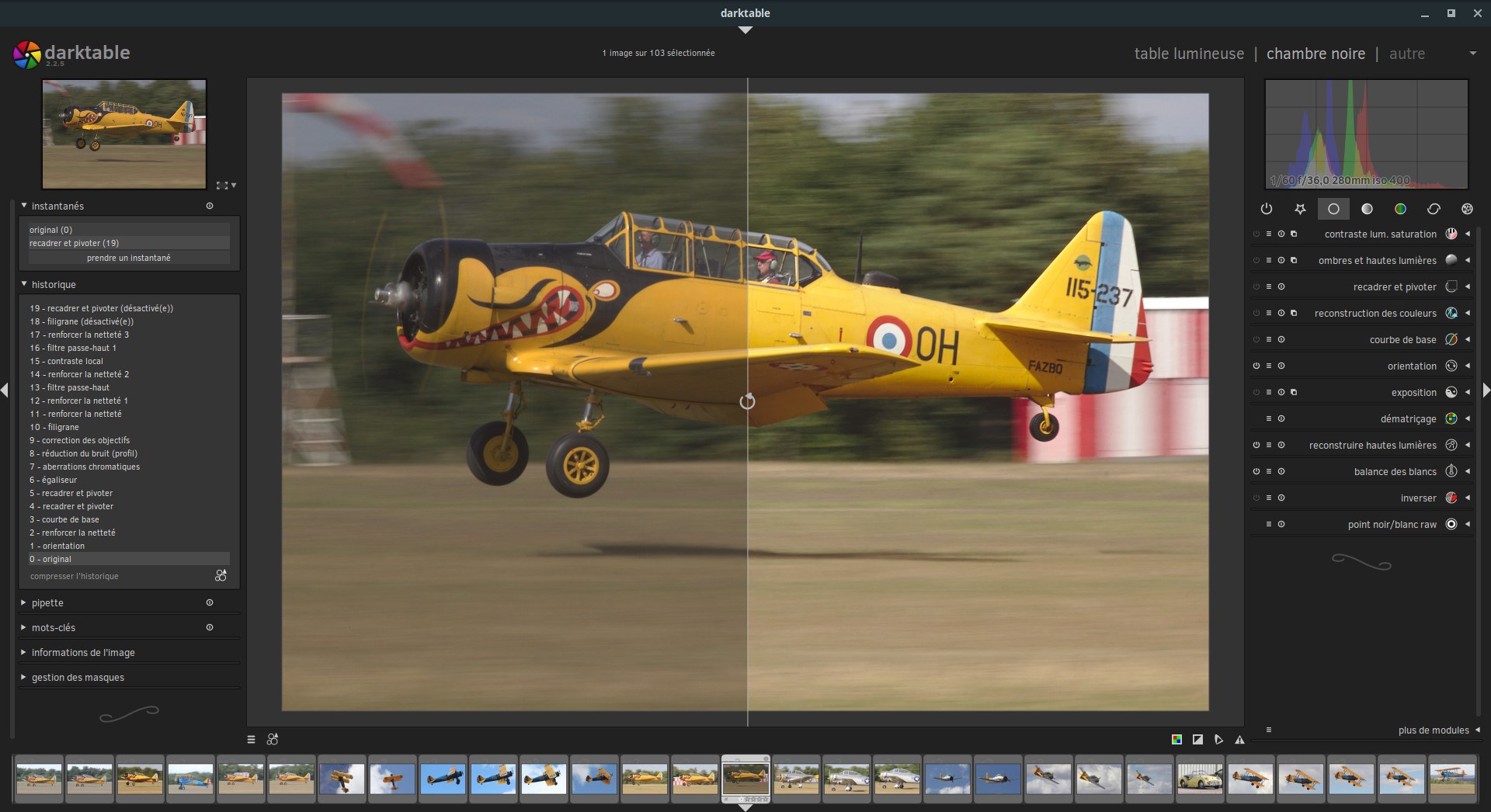
Adobe Camera Raw 6.1 coming with automatic lens correction

(Thursday, May 20th, 2010)

The beta version of Camera Raw v6.1 is now available from Adobe. As usual, we can be pretty sure that this version is looking a lot like the final one. As complete as ever, this software program is more or less the reference in RAW format photo picture handling (the DxO Labs tools still have a better technical fame, but they need to catch up with the enormous notoriety of the Adobe brand).

This new version of Camera Raw, with its new improvements in digital noise management, brings new options of automatic lens defect correction (vignetting, distortion and chromatic aberrations) as shown in the presentation video from Downloadsquad just below. But the best is still to go and download the beta version (unless you would prefer to avoid testing a version which is not 100% debugged by Adobe).


YouTube link

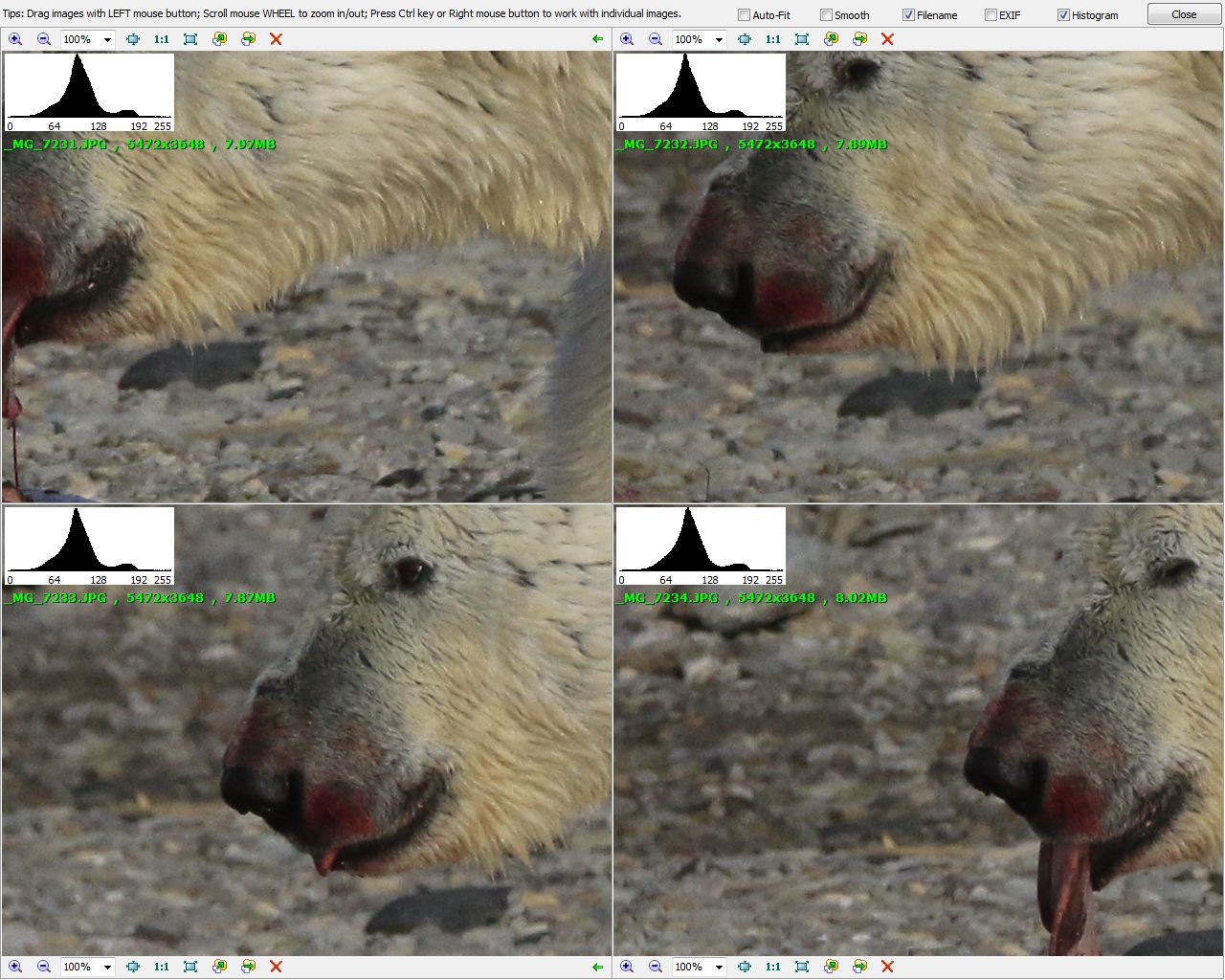
IrfanView upgraded

(Wednesday, May 19th, 2010)

IrfanView v4.27

IrfanView v4.27

The excellent images handling software program, IrfanView, has just been upgraded to version 4.27.

  • Command line options to handle images with scripts (actions) or filters.
  • Addition of a border or a frame.
  • Addition of new filters and file formats.
  • The screen copies options now allow to handle larger objects like a full web page (auto-scroll is included).

Even better, it stays free.

Gimp links

(Friday, May 7th, 2010)

I don’t often write about Gimp, the free software image and photo edition software which is avbailabel both for Linux and PC-Windows. But, nevertheless, I keep noticing bits of useful information that I’d like to share with you if you are a user of Gimp.

In the end, I would sum it up with the 10 Reasons GIMP is Better Than Photoshop:

  • GIMP is free
  • GIMP is small
  • GIMP is fast and stable
  • GIMP is more user-friendly
  • Anybody can modify the code and develop plug-ins
  • It has a better management for automated actions
  • GIMP opens, edits and saves Photoshop .PSD files
  • Upgrades are free
  • GIMP can look-and-feel like Photoshop
  • GIMP is portable

Clean hot pixels from RAW files

(Thursday, May 6th, 2010)

It is sometimes unpleasant to discover a little annoying problem like a defective pixel on the sensor of a digital photo camera. It produces a small colored pixel (often black or white, sometimes of some other color). On a RAW file, it could be worse if it produces a colored streak.

It is most visible when shooting long exposures and the strategy used by most photo cameras is simply to shoot an additional black picture(without opening the shutter) just after the photo you wanted to find the hot pixels and remove/subtract them from the original photo. This is observable as a relatively long computation after a long exposure photo.

Example of hot strip removal

Sample kindly provided by Dan Thorberg.

It takes time in the field and it uses up the camera electrical energy. So, here is a small tool that allow to transfer this operation toward the studio PC: PixelFixer.

The list of photo cameras this tool is compatible with contains a lot of cameras from Nikon, Canon, Pentax and Leica. No Sony I know of (they are left with the in-camera option that works well too).

Téléchargement gratuit de PixelFixer.

Five new features of CS5

(Monday, April 12th, 2010)

adobe_photoshop_cs5-313x400

Adobe just announced the new features of Adobe Photoshop CS5 and Adobe Photoshop CS5 Extended. Don’t panic! These software programs will not be available before next month and for a price relatively normal at Adobe (read “relatively expensive”; See at the end of the article).

What these new versions of Creative Suite (CS so CS5) bring? I will point you more specifically to 5 features:

  • Easier HDR: We will see more and more of these extreme pictures (for the best and for the worst)
  • Intelligent fill (Content-Aware Fill)
  • More efficient selection tool: To ease the selection of very complex shapes, to fine tune the border of a selection (like hair, always difficult to cut out)
  • Improved RAW management: Camera Raw v6 will improve noise management and correction of vignetting
  • Adaptation to 64-bit computers and systems, for a higher performance

Press Release

Milestone Release Celebrates 20 Years of Unrivalled Image Editing and Innovation

London, UK — April 12, 2010 — Adobe Systems Incorporated (Nasdaq:ADBE) today announced Adobe® Photoshop® CS5 and Photoshop CS5 Extended software, must-have releases of the professional industry standard for digital imaging. With millions of users celebrating the product’s 20th anniversary this year, Photoshop CS5 builds upon a rich history of innovation and leadership with groundbreaking features and performance gains that boost creativity and workflow efficiency. Packing in more technological advancements from Adobe Labs than any other release and incorporating enhancements to everyday tasks requested by the Photoshop community, the software has greater intelligence and awareness of the content within images, allowing for complex and magical manipulation in just a few clicks. Adobe Photoshop CS5 Extended delivers everything in Photoshop CS5, as well as advanced tools for 3-D which address the unique needs of the video, Web, medical, manufacturing and engineering industries.

Photoshop CS5 and Photoshop CS5 Extended will be available as stand-alone applications or key components of the Adobe Creative Suite® 5 family.

“The past two decades have demonstrated an amazing interplay between customers who want to push the limits of their personal creativity and a passionate team of Adobe engineers who make those visions a reality,†said Kevin Connor, vice president of product management for professional digital imaging at Adobe. “We experienced this firsthand when we posted a ‘sneak peek’ video of the team’s work on the Content Aware Fill feature a few weeks ago. It quickly became the number one viral video online, with close to 2 million views and its ‘magic’ was one of the top trending Twitter topics of discussion. This version of Photoshop has some of the most innovative and extraordinary technologies to ever come from our labs and clearly customers are already clamouring for it.â€

adobe_cs5-550x390

Redefining the Image-Editing Experience
Now a native 64-bit application on both Mac and Windows®, Photoshop CS5 delivers superior tools and creative control so users can perform advanced image manipulations and compositing with ease. Revolutionary image intelligence behind Content-Aware Fill magically removes any image detail or object, examines the surroundings and seamlessly fills in the space left behind. Lighting, tone and noise of the surrounding area match perfectly, looking as if the removed content never existed. New Refine Edge makes nearly-impossible image selections possible. This innovative technology precisely detects and masks the trickiest types of edges, such as hair and foliage, while eliminating background colour contamination.

For photographers, Photoshop CS5 now offers next-generation high dynamic range (HDR) capabilities. When combining multiple exposures into a single HDR image, Photoshop CS5 preserves the full tonal range of a scene with unprecedented speed and accuracy. The new HDR Pro offers exceptional ghost artefact removal and greater tone mapping and adjustment control. With HDR toning, users can emulate the striking look of an HDR image with any single-exposure image.

Photoshop CS5 provides revolutionary tools that maximise users’ creative impact. Breakthrough painting capabilities include a Mixer Brush that blends an infinite combination of colours onto a single paintbrush tip, and Bristle Tips that offer lifelike brush strokes. Puppet Warp gives users the power to precisely reposition or warp any image element, such as straightening a bent arm in a photo or manipulating the landscape to generate a new perspective.

“Since its inception, Adobe Photoshop has been a key tool for pre-and post-production work in the motion picture industry,†said Jon Landau, Academy Award winning producer of Avatar and Titanic. “With Photoshop CS5 Extended, Adobe gives filmmakers new painting, HDR and 3-D tools that will help them push the limits of creativity. Faster performance with cross-platform 64-bit support and tight integration with other Adobe Creative Suite 5 software makes Photoshop CS5 an even more powerful tool in a filmmaker’s arsenal. Photoshop empowers filmmakers and creative professionals in virtually every other industry to turn their imagined ideas into onscreen reality.â€

Community Involvement Drives Enhancements
In addition, more than 30 features and enhancements requested directly by the Photoshop community have been added to this release, including automatic image straightening, rule-of-thirds crop tool, colour picker and the ability to save 16-bit images as JPEGs. The goal of this engineering effort was to address seemingly minor enhancements that directly impact everyday workflow, but aren’t always at the top of the development list for a new release. A new customisable Adobe Mini Bridge panel is also available directly in the software for faster file browsing and management.

Taking 3D and Motion to the Next Level
Photoshop CS5 Extended includes everything in Photoshop CS5 plus tools for editing 3D and motion-based content. With new Adobe Repoussé technology, users can easily create 3D logos and artwork from any text layer, shape or mask, as well as twist, rotate and extrude designs for different looks. To mirror the realism and appearance of 3D objects, a new materials library offers a breadth of rich options, including chrome, glass and cork. Users can also enhance the appearance of 3D objects by quickly creating shadows with the new shadow catcher. For motion content, tools including paint, text and clone can be used directly over multiple frames of a video sequence with ease using single-key shortcuts.

Adobe Photoshop Family
Building upon the 20-year history of Photoshop innovation and leadership, Adobe offers a line of Photoshop solutions for every level of user. Photoshop CS5 and Photoshop CS5 Extended software are at the heart of the Photoshop family, providing unrivalled power and editing freedom. Adobe Photoshop Lightroom® addresses the workflow needs of serious, amateur and professional photographers, helping them find, manage, enhance and showcase images in powerful ways. Adobe Photoshop Elements software provides accessible tools and sharing options for photo enthusiasts. Snap-shooters can quickly and easily share and edit photos with simple gestures using the free Photoshop.com Mobile application on their iPhone or Android™ devices. Photoshop.com completes the Photoshop line providing an online photo sharing, editing and hosting resource for all.

Pricing and Availability
Adobe Photoshop CS5 and CS5 Extended are scheduled to ship within 30 days with availability through Adobe Authorised Resellers, the Adobe Store and Adobe Direct Sales. Estimated street price for Adobe Photoshop CS5 is £548 (ex-VAT) and £794 (ex-VAT) for Photoshop CS5 Extended. Upgrade pricing and volume licensing are available. For more detailed information about features, OS support, upgrade policies and pricing, please visit http://www.adobe.com/uk/products/photoshop/family/

About Adobe Systems Incorporated
Adobe revolutionises how the world engages with ideas and information – anytime, anywhere and through any medium. For more information, visit http://www.adobe.com/uk

Price

  • Adobe Photoshop CS5: US $699 / £548 (ex-VAT)
  • Adobe Photoshop CS5 Extended: US $999 / 1015€ TTC / £794 (ex-VAT)

Upgrades from the previous versions of Adobe Photoshop: US $149 and $349 respectively.

Photoshop CS5, tomorrow

(Sunday, April 11th, 2010)

Monday 12 April, Adobe will announce the features of its new Adobe Photoshop CS5.

The most interesting will certainly be the “content-aware fill” that allows to fill empty parts of an image with adequate data without using the copy-paste or drawing tools.

Many a photographer will be listening. But the actual product will only be available later.


Shopping mall

All the shops

Posters, cards, prints, etc.

Mugs, T-shirts, etc.

Books

Buy my art  

News topic

Image edit

YLovePhoto