While I regularly discuss about the differences (pros and cons) of Adobe Photoshop and its free and open source counter-part, The Gimp, I often say that Photoshop is much easier to use, has a more powerful interface, to a point that removes any real competition. But I want to let you judge or to support both tools at the same time with a large set of tutorials I collected recently for both tools.
- 5 GIMP Tricks Everyone Should Know!, for nice rounded image corners, image cropping, red-eye removal, image size changes, file size reduction
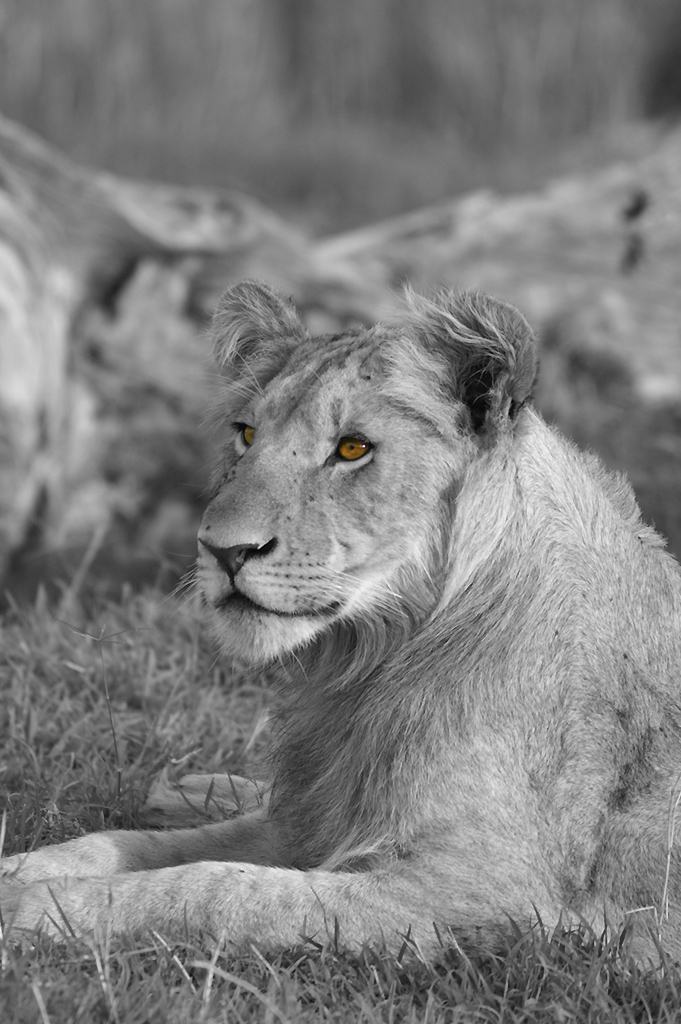
- Black and White with a Splash of Colour (for Photoshop). See one of my examples on the right.
- 30 exceptional Gimp tutorials and resources. Everything you need…
- HDR Style Results Using Layers in Photoshop
- 50 Dirty, Filthy Grunge Photoshop Effects for some very high-quality (and sometimes complex) effects and solutions
- How to use Photoshop‘s Lens Blur tool for tilt-shift fakery (Part 1 of 2)
- How to use Photoshop‘s Lens Blur tool with masking (Part 2 of 2)
- Noir et Blanc avec CS3 et…
- 35 tutoriels Photoshop pour créer des effets rétro…
- And finally, Use Photoshop Filters in GIMP, with the help of the newly-revived User Filter plug-in
So, if you really want to download a free Photoshop, go to The Gimp, but know the differences and use each tool at its best.
But you could also add some more tutorial sources in the comments…